
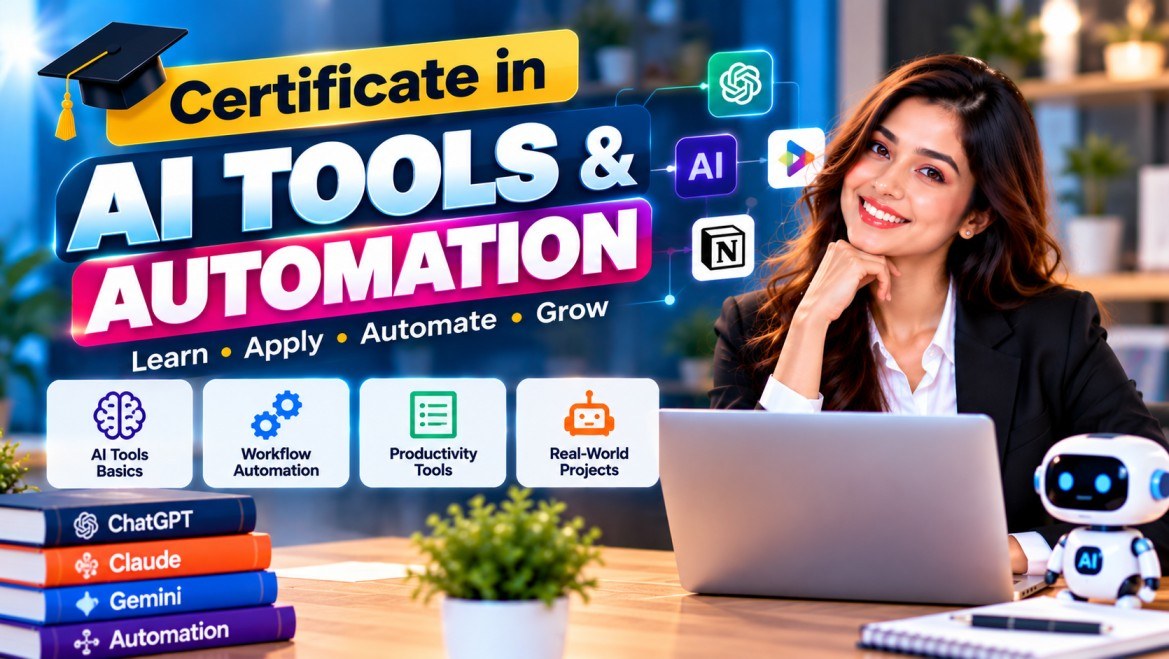
Certificate in AI Tools & Automation
Use AI assistants and simple automations to get everyday office and business work done faster
A 4-month hands-on programme on using AI at work: ChatGPT, Gemini and Copilot for writing and research, AI in Excel and Google Sheets, presentations and visuals, and time-saving automations with Google Workspace, Zapier and Make.
- 4 months · 102 hours
- Live online classes on Google Meet
- QR-verifiable certificate
- Total programme fee
- ₹42,999
- Duration
- 4 months · 102 hours
- Next batch
- 18 Jan 2027
Overview
About this course
This programme is for people who want AI to make a measurable difference to their daily work. Over four months you build a personal AI toolkit for writing, research, spreadsheets, presentations and design, and then learn to connect everyday apps so that repetitive steps such as copying form entries, sending reminders and preparing weekly reports run on their own.
The course is equally clear about what AI gets wrong. You practise checking facts and figures, keeping customer and company data private, and deciding when a task should stay manual. In the final weeks you pick one real process from your job or business, automate it, and present the time saved to the group.
How the course runs
Classes are live on Google Meet and every session is hands-on. You work along with the trainer on realistic Indian workplace tasks: replying to a customer complaint in English and Hindi, cleaning a sales register in Google Sheets, turning a long circular into five action points, or setting up a follow-up reminder for enquiries received through a website form. Free plans of the tools are used wherever possible.
Learning outcomes
By the end of the course you will be able to:
- Write structured prompts and reusable templates to draft, summarise, rewrite and translate work documents
- Research faster with tools such as Perplexity and NotebookLM while verifying sources and figures
- Clean, analyse and chart data in Excel and Google Sheets using AI-assisted formulas and pivot tables
- Create presentations, social media visuals and short videos with Gamma, Canva and CapCut
- Automate routine steps with Gmail filters, Google Forms, Sheets and beginner Apps Script
- Build multi-step automations in Zapier or Make, such as enquiry capture to follow-up reminder
- Protect confidential data and recognise when AI output needs human review
- Document and present an AI-assisted workflow built for a real task
Syllabus
9 modules · approximately 102 hours of live training
Module 1AI at work: foundations and responsible use 8 hrs
Module 2Prompting for everyday work 14 hrs
Module 3Writing, email and meetings with AI 10 hrs
Module 4Research and knowledge work 10 hrs
Module 5AI with Excel and Google Sheets 16 hrs
Module 6Presentations, visuals and short video 12 hrs
Module 7Workflow automation fundamentals 16 hrs
Module 8AI for business functions 8 hrs
Module 9Capstone: automate a real process 8 hrs
Eligibility
- Minimum qualification: Class 12 / Higher Secondary pass (final-year students may apply)
- Comfortable with a computer, email and web browsing; no coding knowledge needed
- A laptop or desktop computer with a stable internet connection (a smartphone alone is not enough for the spreadsheet and automation work)
- A Google account; free accounts on the other tools are set up together in class
Who should join
- Office, admin and back-office staff who spend hours on email, reports and spreadsheets.
- Small-business owners and shopkeepers who want to save time on quotations, follow-ups and records.
- Accounts, HR and sales executives who want to cut down repetitive manual work.
- Graduates and job seekers who want practical AI and automation skills they can demonstrate.
- Teachers and coaching-centre staff who prepare notes, notices and attendance reports.
Assessment & certification
| Component | Maximum marks | Minimum required |
|---|---|---|
| Hands-on lab assignments | 30 | — |
| Module quizzes | 20 | — |
| Capstone automation project | 35 | 14 |
| Capstone presentation and viva | 15 | — |
| Total | 100 | 50% overall |
- Minimum attendance required: 75% of sessions held.
- On successful completion: Certificate in AI Tools & Automation and a marksheet, after review and approval.
Awarded by Appsgain Technologies on successful completion of the 4-month live online programme, including assessments; verifiable online with its certificate number or QR code.
Batches
Choose the batch whose dates and class timings suit you. All times in prashant.
-
Starts 18 Jan 2027
Open- Batch dates
- 18 Jan 2027 – 14 May 2027
- Class timings
- Monday to Friday, 7:00 PM – 8:15 PM IST
- Seats
- 50 seats left
- Apply by
- Apply by 11 Jan 2027
Training schedule
The detailed class timetable is published before the batch begins. Regular timings: Monday to Friday, 7:00 PM – 8:15 PM IST.
Joining links are never shown. Approved applicants with verified payment join each class with its Join button, which opens shortly before the class starts.
Joining online classes
Join from a laptop or desktop so you can work along in the tools, and sign in to your Google account before class. Keep a second browser tab free for the exercises. Join with your registered name so attendance can be marked.
Questions about this course
Frequently asked questions
Answers to common questions about this course.
What will I be able to do by the end of the course?
Over about 102 hours of live, hands-on classes you learn to use AI assistants such as ChatGPT, Gemini and Copilot to draft, summarise, rewrite and translate work documents, research faster while checking facts and figures, clean and analyse data in Excel and Google Sheets, and create presentations and visuals. A full block of the course then covers workflow automation with Google Workspace, Zapier and Make, and in the capstone you automate one real process from your own job or business and present the time saved.
How long is the course and when are the classes held?
The course runs for 4 months. Live classes are held on Google Meet from Monday to Friday, 7:00 PM to 8:15 PM IST, so you can attend after work or college. The batch start date, end date and last date to apply are shown on this page. Classes are taught in English, with Hindi support where needed.
Do I need coding knowledge or paid AI subscriptions?
No coding knowledge is needed; the small amount of Apps Script in the automation module is written with AI help and explained line by line. You need a laptop or desktop with a current version of Chrome or Edge and a Google account. Free plans of ChatGPT, Gemini, Canva, Zapier, Make and the other tools are used wherever possible; any paid upgrade is your own choice and is not part of the course fee.
What happens if I miss a class?
Attendance is marked in every live session, and you need at least 75% attendance to be eligible for the certificate. If you miss a class, go through the learning materials shared for that module on your application status page, try the lab exercise yourself and bring any questions to the next session.
What is the fee and how do I pay it?
The total fee shown on this page is for the full 4-month programme, covering all live sessions, assessments and the certificate. After you submit your application, you can pay from the Check Application Status page using the payment options listed on the Fees page. Refunds, if any, are handled under our Refund and Cancellation Policy.
What certificate will I receive?
If you meet the 75% attendance requirement, score at least 50% overall, including the minimum mark in the capstone project, and our team approves the result, you receive the Certificate in AI Tools & Automation and a marksheet from Appsgain Technologies. Anyone can verify it online with the certificate number or QR code. It is a course completion certificate, not a government licence, university degree or guarantee of a job.
Still have a question?
Our team will be happy to help.
Explore more
Other courses
- Subject Assistance Teacher Training 12 weeks · ₹49,999
- Certificate in No-Code AI Automation 4 months · ₹39,999
- Certificate in App Development Fundamentals 6 months · ₹49,999
- Certificate in Artificial Intelligence (AI) Awareness 3 months · ₹30,999
- Certificate in Generative AI Fundamentals 4 months · ₹44,999
- Certificate in Digital Marketing 6 months · ₹47,999
- Certificate in Freelancing & Digital Entrepreneurship 4 months · ₹37,999
- Certificate in E-Commerce Business 5 months · ₹44,999
- Certificate in Entrepreneurship 4 months · ₹39,999
- Certificate in Startup Management 5 months · ₹44,999
- Certificate in Communication Skills 1 months · ₹30,999
- Certificate in Spoken English 4 months · ₹34,999
- Certificate in Personality Development 3 months · ₹30,999
- Certificate in Soft Skills Training 3 months · ₹32,999
- Certificate in Interview Preparation 3 months · ₹30,999
- Certificate in Banking & Financial Services 6 months · ₹49,999
- Certificate in Retail Banking 4 months · ₹39,999


